
Sign-Up Parimatch – Register Now and Get Welcome Bonus
Every new user over the applicable legal age who wants to start betting at Parimatch must create an account. This is your personal profile through which you can manage your balance, place bets, and withdraw winnings. Registration usually takes only a few minutes and requires basic personal details. On this page, you will find instructions on how to register, verify, and log in to your account. Join Parimatch and check the welcome bonus available for your location!
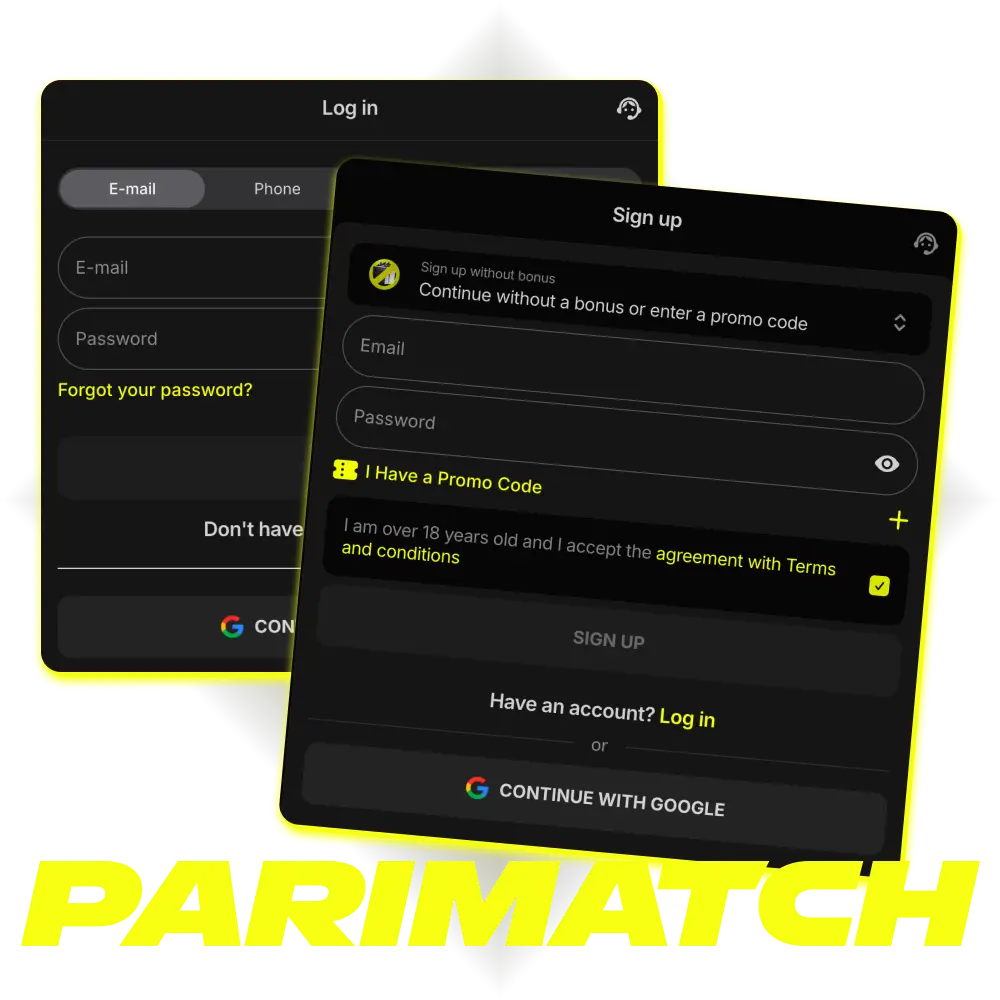
Step-by-Step Registration
The only way to access Parimatch services is to open an account. A personal profile is required for payment transactions, placing bets, playing casino games, and receiving winnings. New players who meet the applicable legal age requirement can create a Parimatch account on the website or via the mobile app. Follow the steps below:
Open the Registration Form
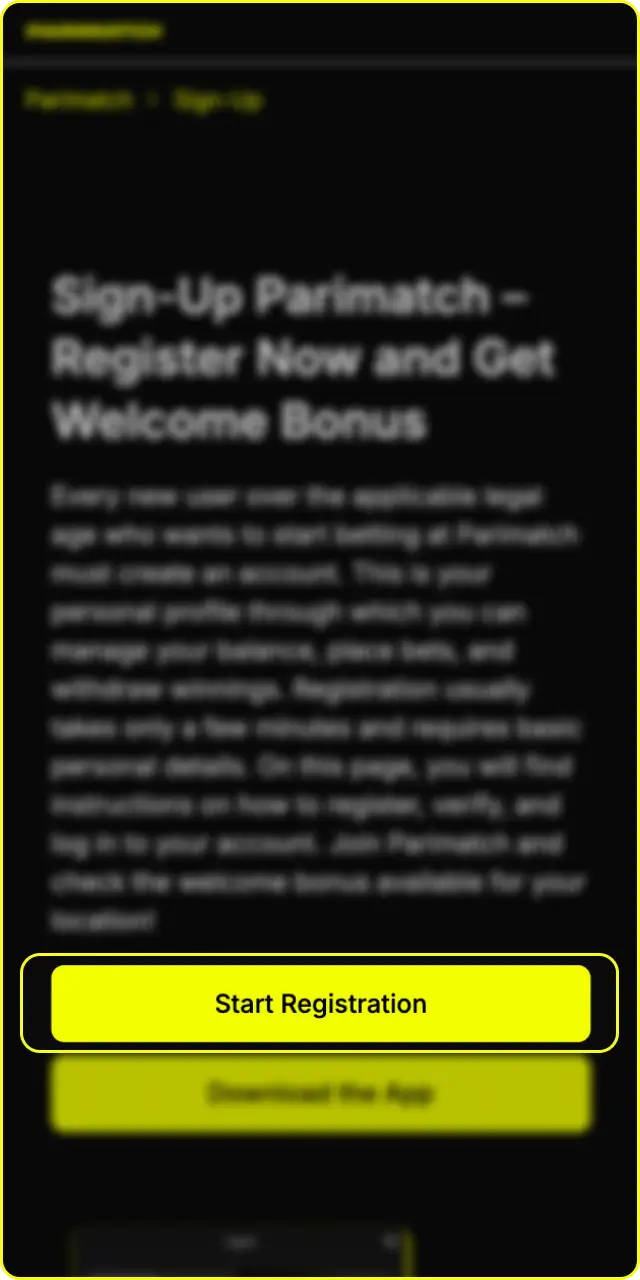
Click the Parimatch “Register” button. The registration form will open on your screen.
Choose a Registration Method
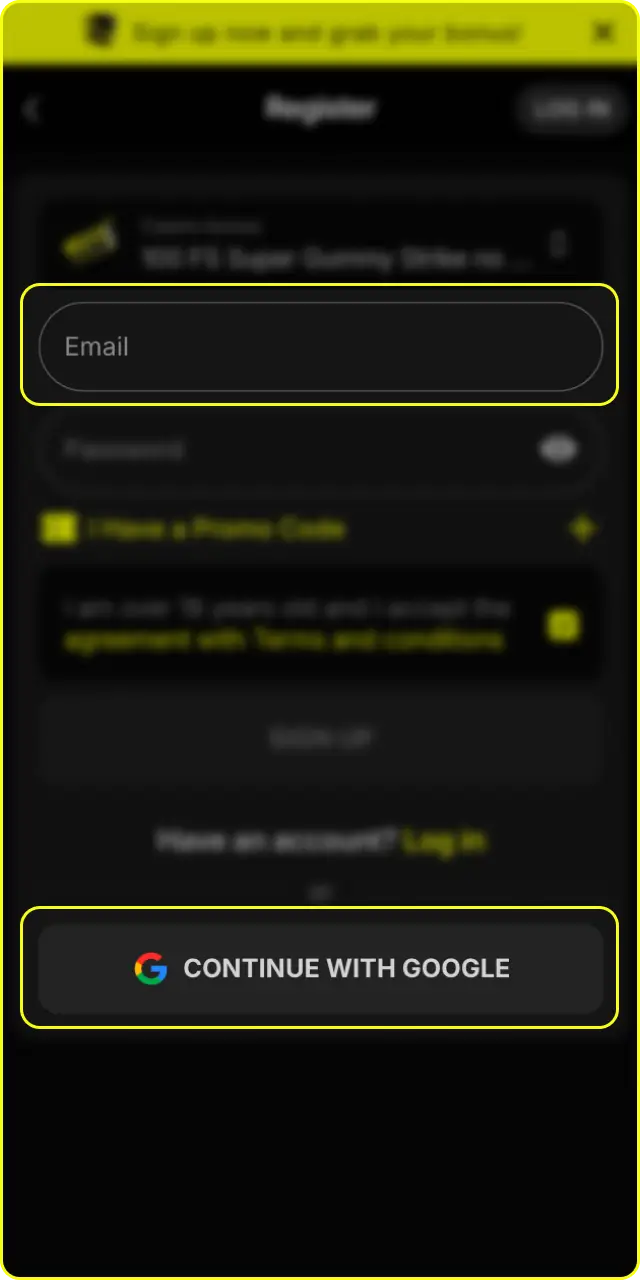
Select your preferred registration method, such as phone number or email, where available.
Fill Out Your Details
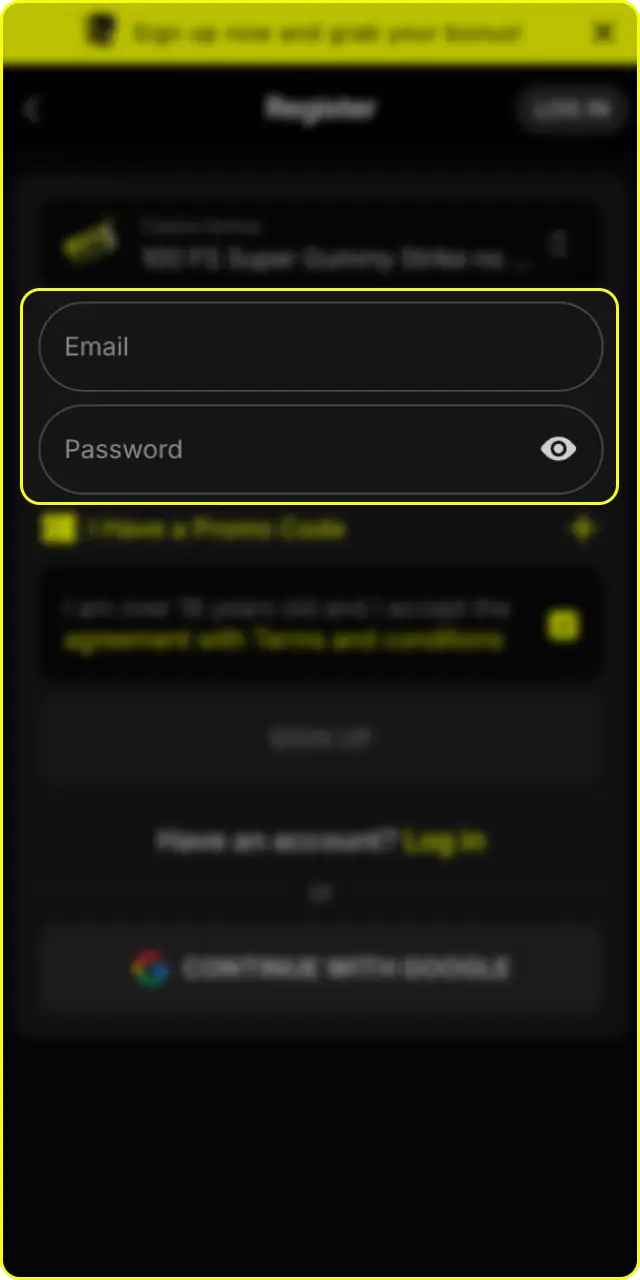
Enter your phone number or email address, create a strong password, and select your account currency if this option is available.
Apply a Promo Code
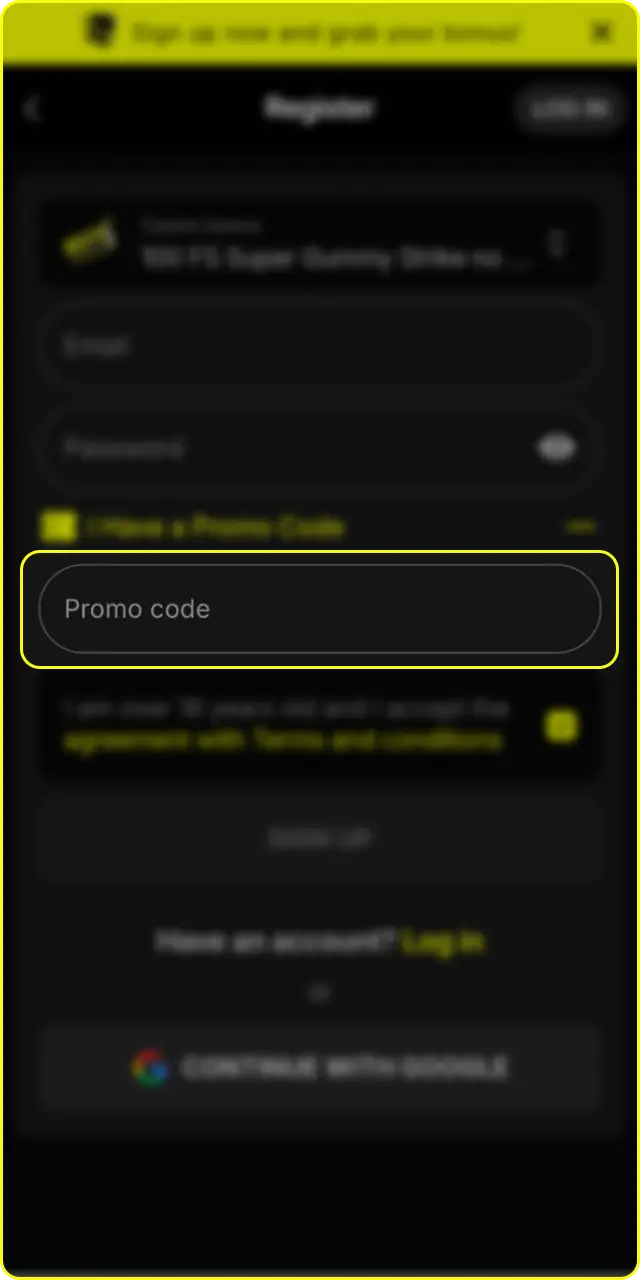
If a promo code is required for the promotion available in your location, enter it in the designated field during registration.
Create Your Account
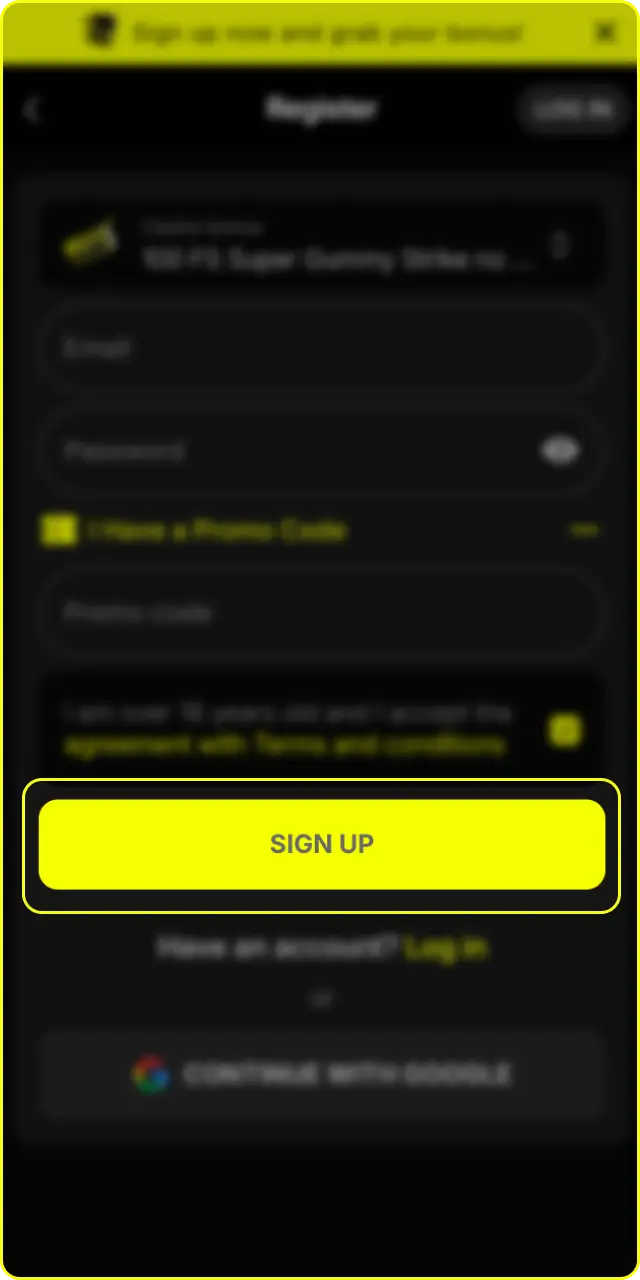
Accept the Terms of Use and confirm that you meet the applicable legal age requirement. Click the “Register” button to complete the process. Your Parimatch new account is now ready to use.
Is Parimatch Registration Safe?
Parimatch is a licensed bookmaker which holds a Curacao License. Personal data is protected using security measures such as SSL encryption. Verification requirements may vary depending on your location, account activity, and applicable regulations.
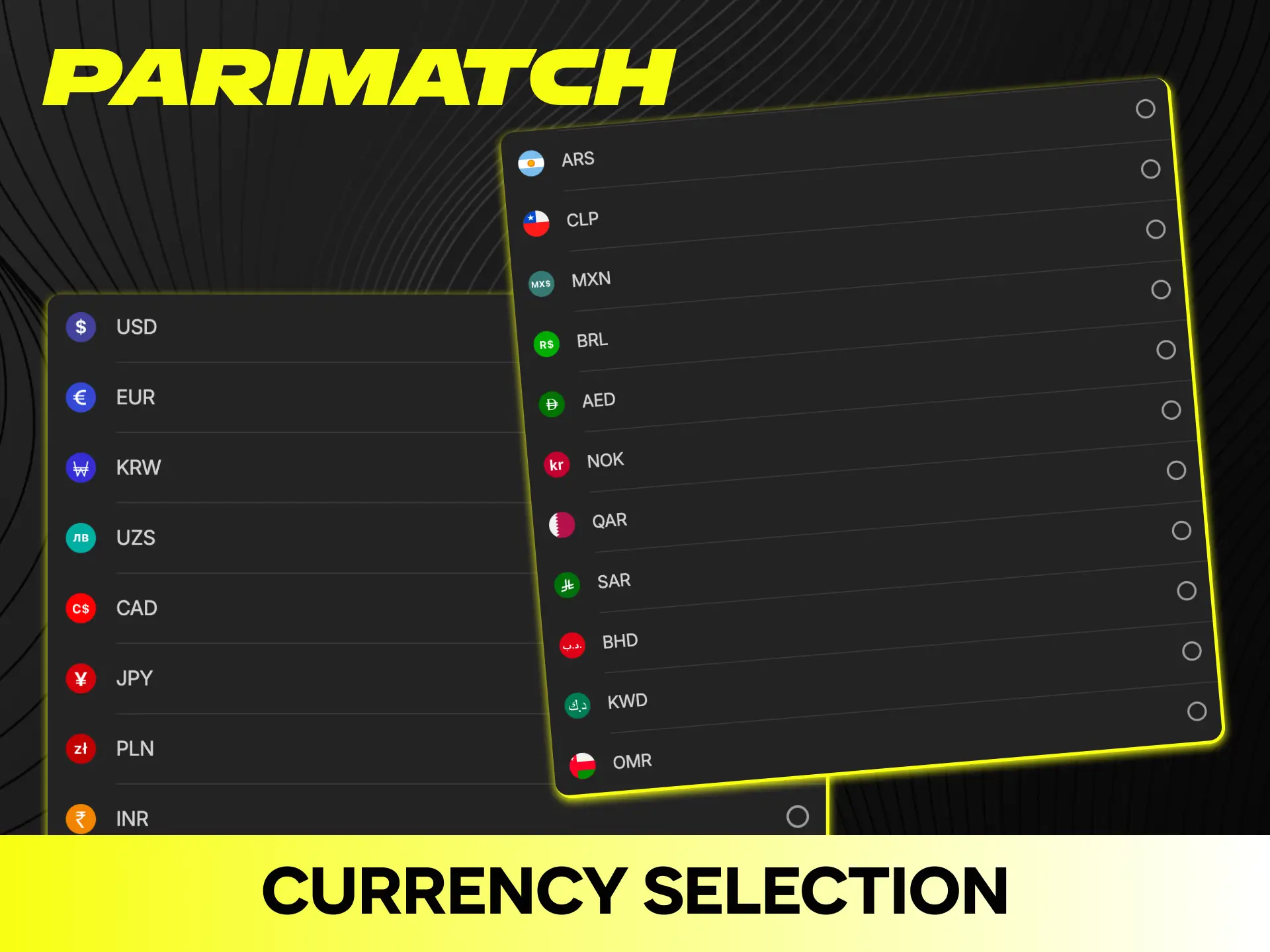
Currency Selection During Registration
During Parimatch registration, you may be asked to choose an account currency. Available currencies depend on your location and the options supported by the platform.
Choosing a currency supported by your preferred payment method can help reduce unnecessary currency conversions. Check the available options during registration because currency settings and payment conditions may vary by market.
Username & Password Requirements
When you register at Parimatch, you need to create login credentials for your account. Here is what you should know about username and password settings.
Creating a Login
Your phone number or email address may serve as your login, depending on the registration method available to you. Enter your details carefully during registration.
Password Requirements
Your password should meet the requirements shown in the registration form. Use a combination of letters, numbers, and, where supported, special characters. Avoid simple combinations such as “12345678” or your date of birth.
Safety
Parimatch may support two-factor authentication (2FA) for additional account protection. If you forget your password, use the “Forgot Password” link on the login page and follow the recovery instructions provided by the platform.
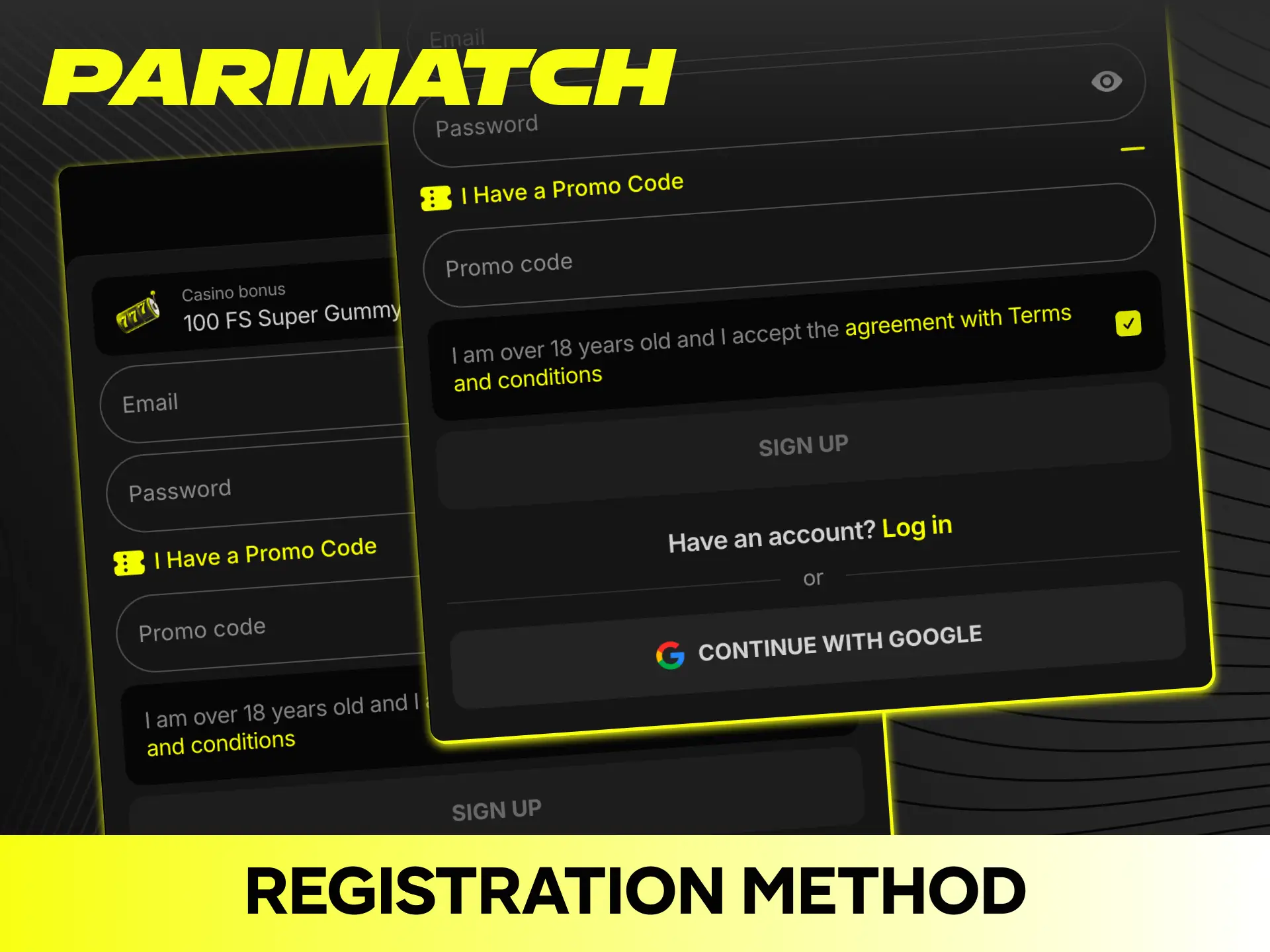
Registration Method Options
Parimatch may offer several ways to create an account. Available methods depend on your location and the current platform configuration:
- Website registration. Open the Parimatch site in a supported browser and complete the registration form;
- Mobile app registration. Use the official Android or iOS mobile solution where available;
- Phone number registration. Enter your phone number and confirm it with an SMS code where supported;
- Email registration. Use your email address to create and verify your account where available.
The fastest registration method depends on the options available in your market and the information requested by the platform.
Can I Start Betting Immediately?
After creating an account and making a qualifying deposit, you may be able to access the available betting and gaming features. However, additional verification or other restrictions may apply depending on your location and account status.
Instant Access
Where permitted, you can place bets after completing registration and funding your account. Some features may require additional verification before they become available.
Restrictions for New Accounts
New accounts may be subject to withdrawal, betting, or account restrictions until the required verification is completed. Parimatch may request identity verification before processing withdrawals or when additional security checks are required.
Account Limits & Restrictions
Parimatch availability and account conditions depend on the laws and regulations applicable in your location. Betting limits may depend on the event, market, account, and other factors.
Additional restrictions may apply to new or unverified accounts. Check the current Parimatch Terms of Use and account conditions relevant to your location.
Privacy & Data Security
Parimatch takes the protection of personal information seriously. Data provided during registration and payment is protected using security measures such as SSL encryption.
Personal information is handled according to the applicable privacy policy and data-protection requirements. If you want to close your account, contact Parimatch customer support through an official channel and follow the account-closure procedure available in your market.
How Long Does Registration Take?
The Parimatch registration process usually takes only a few minutes, depending on the registration method and verification requirements. Once your details have been confirmed, your account can be created and you can proceed with the available platform features.
Registration Errors & Common Problems
Sometimes users encounter problems during registration. Most problems have simple solutions. Check out the list below to fix common registration errors:
- The phone number already exists. Your number may already be linked to another account. Try recovering your existing account instead of creating a second one;
- No SMS code received. Make sure your phone number is entered correctly, including the country code. Wait a few minutes and request a new code;
- The page is not loading. Clear your browser cache, try another supported browser, or check your internet connection;
- The registration button is not working. Disable browser extensions that may interfere with the page and make sure your browser is up to date;
- Promo code error. Check that the code is entered exactly as provided and that the promotion is available for your location.
If none of these steps help, contact Parimatch support through the official support channels available in your market.
Documents Needed (KYC Verification)
Parimatch account verification is a procedure used to confirm your identity and protect your account. Verification requirements and timing may vary depending on your location, account activity, and applicable regulations.
When Are Documents Required?
Parimatch may request documents when you make a withdrawal, when you reach certain account or transaction thresholds, or during additional security checks.
What Documents Are Accepted
Depending on your location, Parimatch may accept documents such as:
- National ID Card;
- International Passport;
- Driver’s License.
The exact list of accepted documents may vary by jurisdiction.
Address Confirmation
In some cases, Parimatch may ask you to confirm your address. Accepted documents may include:
- Utility bill;
- Bank statement;
- Official government document.
The required document date and format depend on the applicable verification requirements.
Document Format
You may be asked to upload a clear photo, scan, or digital copy of your documents. The accepted file formats and maximum file size depend on the current verification system.
Verification times may vary depending on the documents submitted and the complexity of the review.
One Account Per Person Rule
Each user is allowed to have only one Parimatch account. Creating duplicate accounts may result in account restrictions or suspension.
If multiple people from the same household use Parimatch, each person should register their own account and use their own personal details and permitted payment methods.
Age & Legal Requirements
The minimum age for registration depends on the laws applicable in your location and the requirements stated by Parimatch. You must meet the applicable legal age requirement before creating an account.
Your personal information may be checked during registration or KYC verification. Providing false information can result in account restrictions or closure.
Always check whether Parimatch services are legally available in your jurisdiction before registering or depositing.
What Information Is Required?
To register at Parimatch, you need to provide the information requested in the registration form. Requirements may vary depending on your location and registration method.
Common requirements may include:
- Phone number or email address;
- A password;
- Confirmation that you meet the applicable legal age requirement;
- Additional personal information requested by the registration form;
- Verification documents when KYC is required.
Phone Number & Email Verification
Verification of your contact details helps Parimatch confirm your account information and protect your profile from unauthorized access.
Phone Number Verification
Where phone registration is supported, verification is carried out using an SMS code sent to your number. If you do not receive the code, check that the number and country code are correct and request a new code.
One phone number may only be linked to one account.
Email Confirmation
Email verification may be required depending on the registration method and account requirements. A verified email can also help with password recovery and important account notifications.
Verification Problems
If you do not receive an SMS code, try the following steps:
- Check that your phone number is correct;
- Make sure your phone has a network signal;
- Wait a few minutes and request a new code;
- Try another available registration method;
- Contact Parimatch support through the official channels available in your location.
Is It Possible to Play without Verification?
Whether you can place bets or play casino games before completing full KYC verification depends on your location, account status, and applicable regulations.
Parimatch may require identity verification before processing a withdrawal or whenever additional security checks are necessary.
Registration Bonuses & Welcome Offers
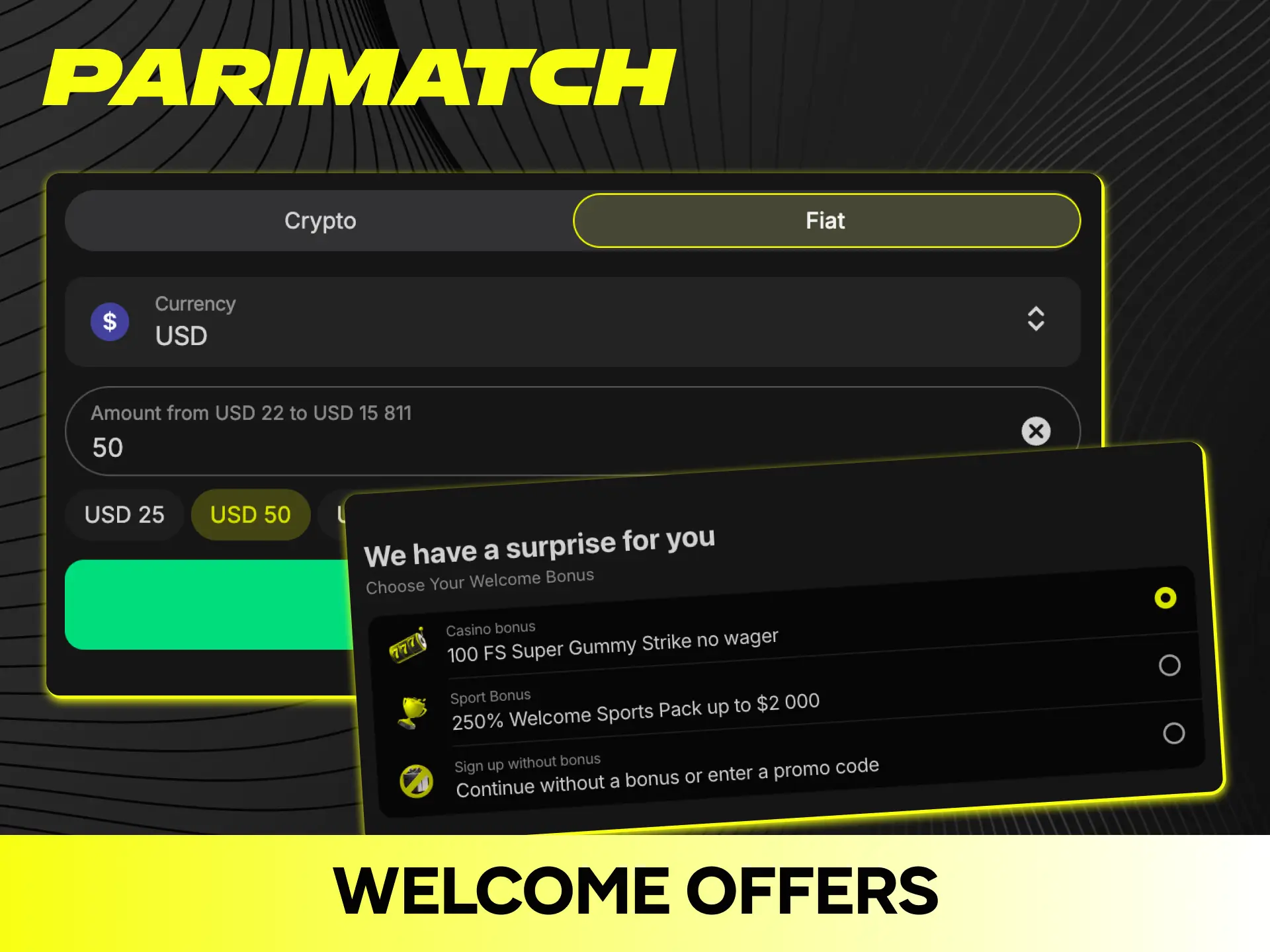
New Parimatch users may be eligible for a welcome bonus on their first qualifying deposit. The bonus amount, deposit requirement, wagering conditions, eligible products, and activation method depend on the promotion available in your location.
Parimatch may also run regular promotions tied to sporting events and other campaigns. Check the Promotions section of your account for the offers currently available to you.
Login after Registration
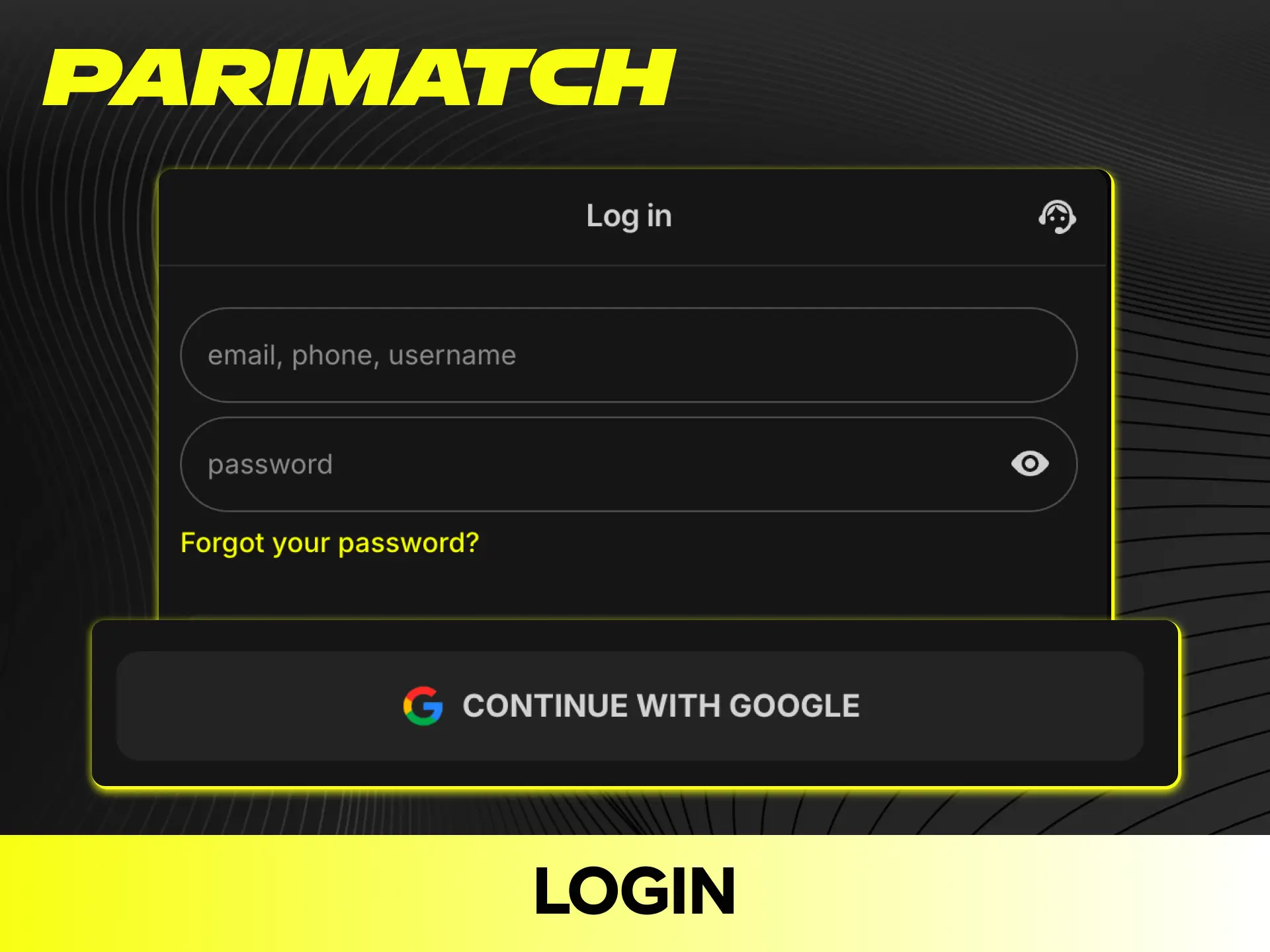
If you already have an account on Parimatch, you can log in at any time. To make a Parimatch sign in, follow the steps below:
- Open the official Parimatch website or supported mobile app.
- Click the “Log In” button.
- Enter your registered phone number or email and your password.
- Click “Sign In” to confirm.
After successful login, you will be taken to the Parimatch homepage, where you can access the features available for your account.
If you forget your password, click the “Forgot Password” link and follow the recovery instructions.
Support for Problems
If you face any issues during registration, the Parimatch support team can assist through the official channels available in your location.
Available support options may include:
- Live Chat;
- Email;
- FAQ;
- Other official support channels listed on the Parimatch website or app.
Support availability, languages, opening hours, and response times may vary by market.
FAQs
How Long Does the Parimatch Sign Up Take?
The Parimatch sign up online usually takes only a few minutes, depending on the registration method and information required.
Can I Register Multiple Accounts on Parimatch?
No. Each user is generally allowed only one Parimatch account. Creating multiple accounts may result in restrictions or permanent suspension.
Can I Register Using My Mobile Phone?
Yes, where mobile registration is supported. You can register through the official Parimatch mobile application or mobile website.
Does My Name on Parimatch Have to Match My Payment Account?
Your personal and payment details may need to match when making deposits or withdrawals. Payment verification requirements depend on the selected payment method and applicable regulations.
Can I Register Through USSD?
Parimatch registration methods depend on your location and the services currently supported by the platform. If USSD registration is not listed among the available options, use the official website or supported mobile application instead.
How Do I Delete My Parimatch Account?
To delete your account, contact Parimatch customer support through an official channel and follow the account-closure procedure applicable to your location.
Updated:
Comments